MultyType
MultyType is a modern typing test application that helps users improve their typing speed and accuracy. Heavily inspired by Monkeytype, it features real-time statistics, customizable test settings, multiple color themes, and AI-powered text generation for endless unique practice sessions.
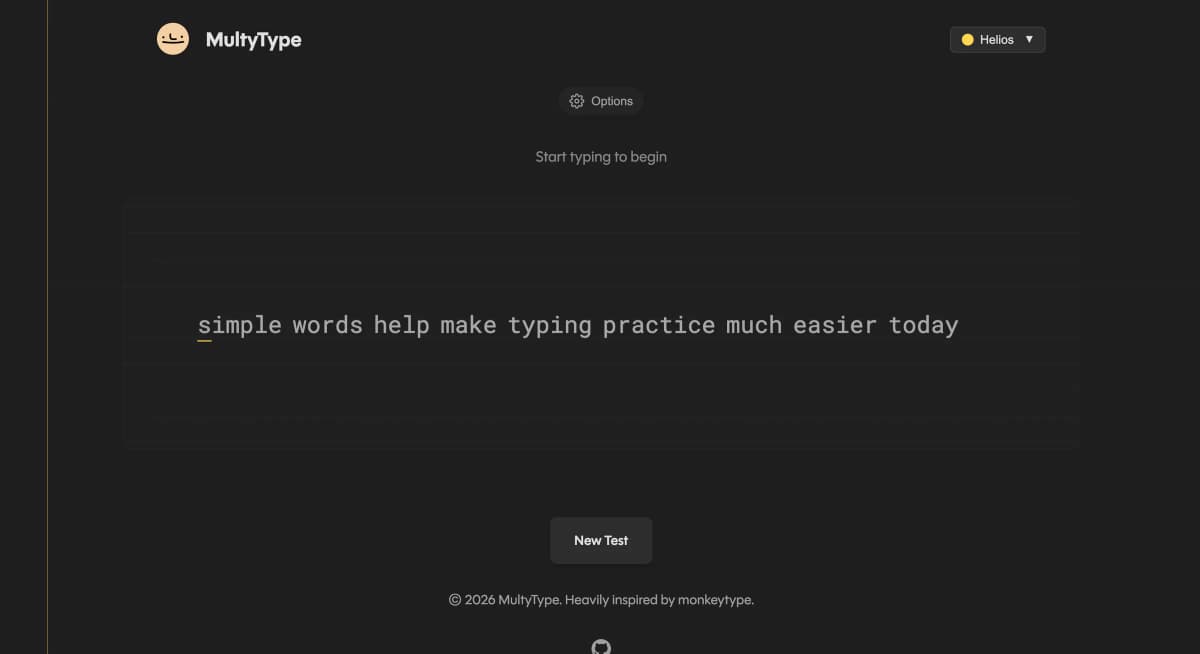
The Challenge
Create a typing test application that provides accurate real-time feedback while maintaining smooth performance. The app needed to handle rapid keystroke processing, calculate statistics on the fly, and provide an enjoyable user experience with customizable themes.
The Solution
Built a React application with optimized state management for real-time keystroke tracking. Implemented a custom WPM and accuracy calculator, integrated AI text generation for unique practice texts, and created a flexible theming system with multiple color schemes.
Tech Stack
Key Metrics
Details
- Category
- web
- Year
- 2025
- Status
- completed
- Role
- Full-Stack Developer
Key Features
Real-Time Statistics
Live WPM, accuracy, and progress tracking that updates with every keystroke.
AI Text Generation
Unique practice texts generated on-demand for endless typing variety.
Multiple Themes
Customizable color themes to match your preference and reduce eye strain.
Test Customization
Toggle punctuation, numbers, and adjust test duration to your liking.
Detailed Results
Comprehensive breakdown of your performance after each test.
Timer Mode
Timed tests to challenge yourself and track improvement over time.
Project Gallery
Technical Details
Implementation
Built with Create React App and vanilla CSS for styling. Features custom hooks for keyboard event handling and state management. The AI text generation uses a utility function to create varied practice texts. Statistics are calculated in real-time using optimized algorithms that track character-by-character accuracy.
Lessons Learned
This project taught me the importance of performance optimization when handling rapid user input. I learned techniques for debouncing state updates and efficiently re-rendering only changed portions of the UI. Working on the theming system also improved my understanding of CSS custom properties.
Design Handbook
Color Palette
Typography
Roboto Mono
Weight: 400-700Lexend Deca
Weight: 300-600Design Principles
Minimalist interface - Focus on the typing experience without distractions
Instant feedback - Real-time visual cues for correct and incorrect keystrokes
Accessibility - High contrast themes and keyboard-only navigation
Performance first - Smooth 60fps even during rapid typing
Other Projects
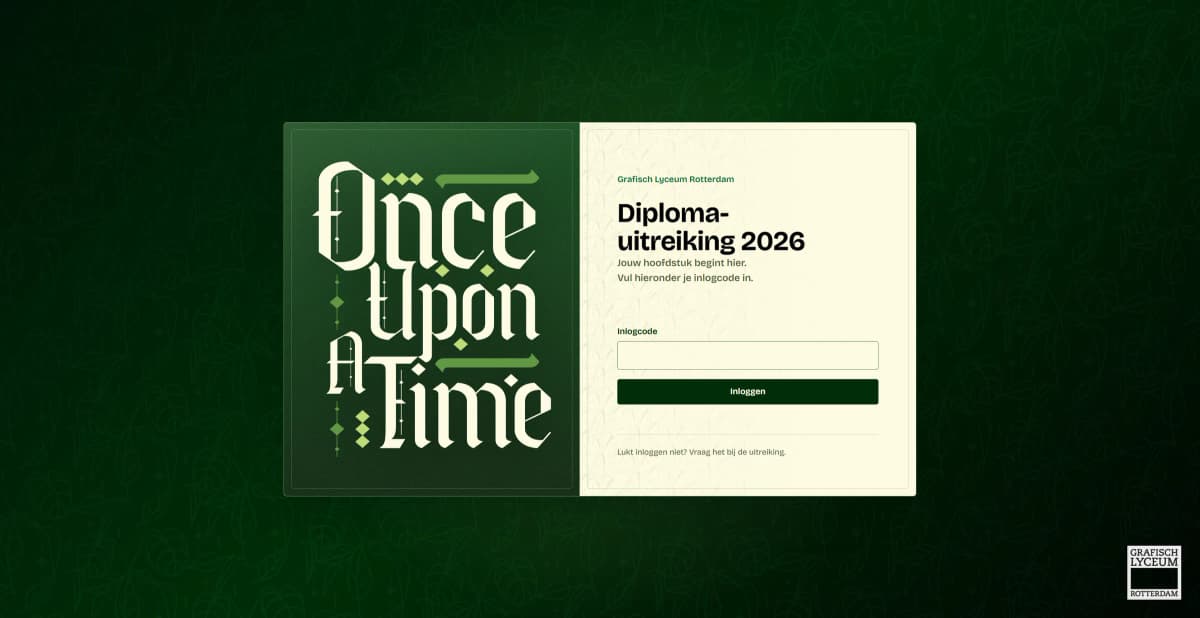
Diploma Uitreiking 2026
The live graduation-ceremony platform for my school, where families enter the code on their invitation to watch the livestream, built in dependency-free PHP with hand-written passkey login and intrusion detection.
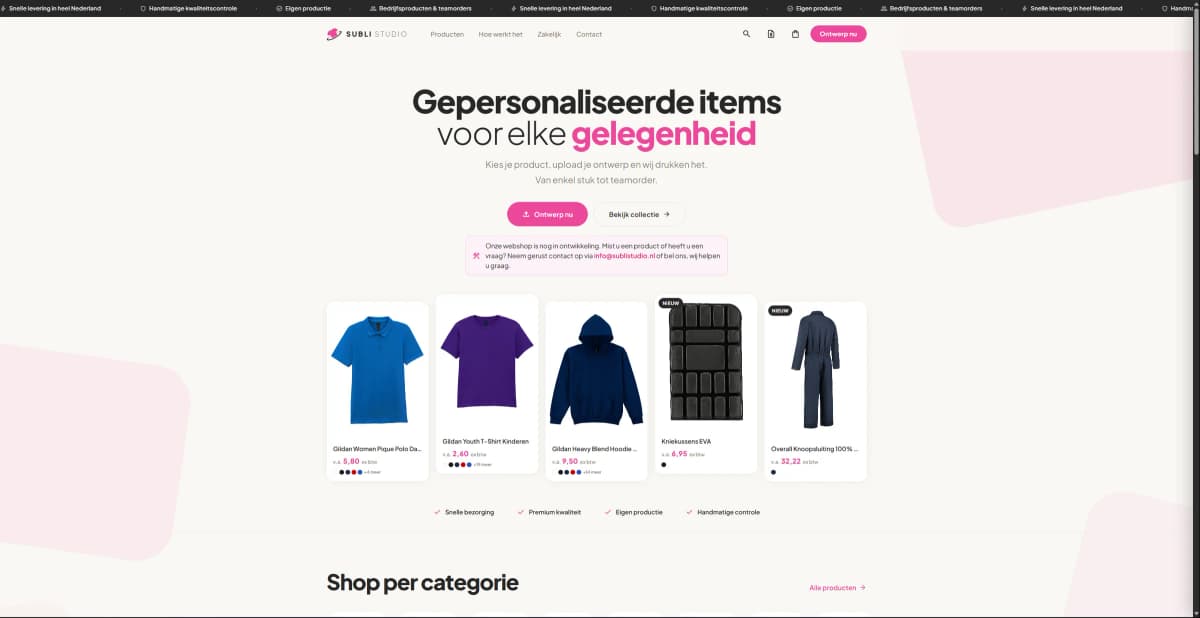
Subli Studio
A full-stack custom clothing print shop where customers configure a garment, pick print locations, upload their own design, and pay online, with a complete admin back office behind it.
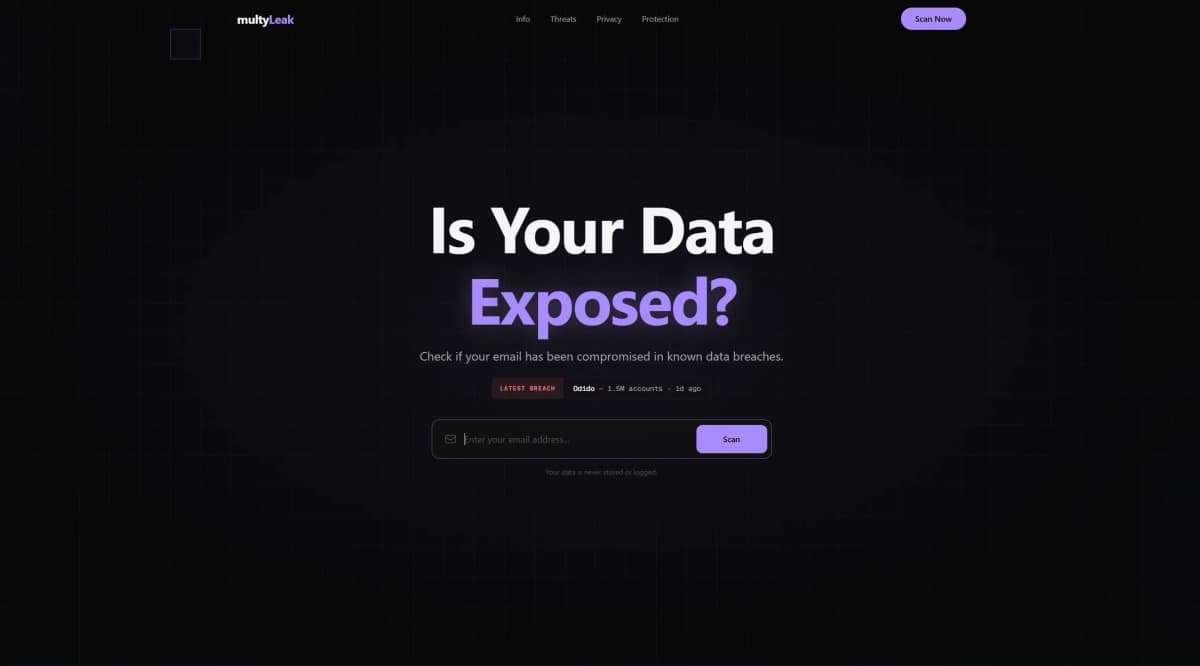
MultyLeak
A free data breach checker that lets users instantly find out if their email or password has been exposed in known data leaks, powered by the HIBP API.